ENTRENCHED Controls Cheatsheet
Every key action for trench combat — reference before you queue, not after you die.
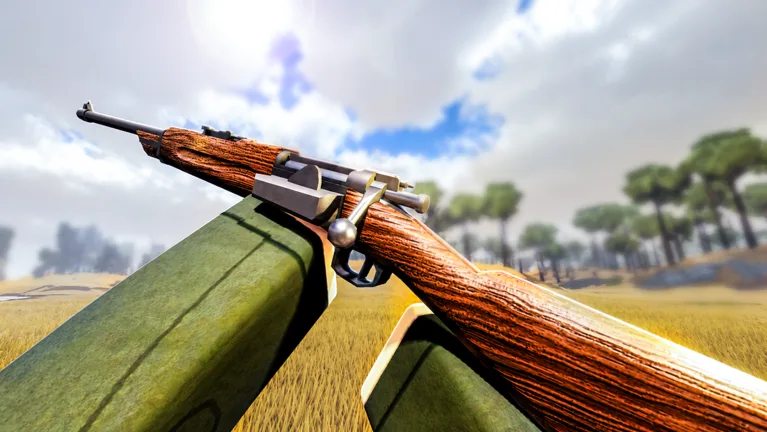
ENTRENCHED WW1 on Roblox supports PC, mobile, and console. Controls are not identical across platforms, but the actions are: move, aim, shoot, throw grenades, revive allies, build fortifications, and swap classes between rounds. This controls cheatsheet lists those actions in one place so you spend less time in menus and more time capturing sectors in Frontline, Conquest, and Domination.
Exact default binds can shift after quality-of-life patches — verify in-game after major Updates Hub notes. Use this page as a mental map, then bind what feels comfortable.
Universal actions (all platforms)
| Action | Purpose |
|---|---|
| Move / look | Navigation and aim |
| Fire | Primary weapon |
| Aim / scope | Precision shots (Rifleman, Recon) |
| Reload | Reset mag or clip |
| Grenade | Frag, smoke, or class utility |
| Melee / spade | Close finish |
| Interact | Revive (Medic), capture, use objects |
| Build menu | Engineer sandbags, HMG, trench pieces |
| Class select | Between rounds / respawn |
| Scoreboard | Tickets, mode timer, player list |
PC reference (typical defaults)
Roblox PC uses WASD movement and mouse aim. ENTRENCHED maps shooter actions on top:
| Action | Common PC bind |
|---|---|
| Move | W A S D |
| Jump / vault | Space |
| Crouch / prone | C / Ctrl (check in-game) |
| Fire | Left mouse |
| Aim | Right mouse |
| Reload | R |
| Grenade | G |
| Melee | V or F |
| Interact / revive | E or F |
| Build tool | B or dedicated key |
| Binoculars (Officer) | Tool slot / number key |
Open Roblox Settings → Keyboard & Mouse if sensitivity feels wrong for bolt-action classes — see Rifleman Guide.
Console reference
Console uses standard Roblox shooter layouts on Xbox and PlayStation controllers:
| Action | Common controller |
|---|---|
| Move | Left stick |
| Look | Right stick |
| Fire | RT / R2 |
| Aim | LT / L2 |
| Reload | X / Square |
| Grenade | RB / R1 |
| Interact | X / Square or hold |
| Build | D-pad or radial — confirm in Engineer tutorial |
Assault and Flamer benefit from higher look sensitivity; Recon benefits from lower.
Mobile reference
Touch UI adds virtual sticks and buttons. Essentials:
| Action | Mobile tip |
|---|---|
| Aim | Drag right side; use aim assist in Roblox settings if available |
| Fire | Tap or dedicated fire button |
| Grenade | Ability button — do not mis-tap near teammates |
| Revive | Walk to ally + interact prompt |
| Build | Engineer icon opens placement grid |
Mobile players should start Rifleman or Medic — see Beginner Picks.
Class-specific controls
Medic — Learn revive interact before queueing Domination. Missing the key loses hills.
Engineer — Practice HMG placement in empty servers if available; rotation and elevation matter.
Officer — Binoculars on separate from rifle; rank 5 required. Guide: Officer.
Assault — Grenade arc preview if enabled; cook throws carefully in trenches.
Use Class Picker after you know binds for your platform.
Between-round workflow
- Open class menu on respawn or intermission.
- Pick role using Classes Hub or mode tiers from Tier List Hub.
- Confirm loadout visually (primary model changes per class).
- Check mode objective text (Frontline sector vs Conquest flag vs Domination hill).
Related wiki links
- Onboarding: Getting Started and Guides Hub.
- Class depth: All Classes Overview.
- Meta picks: Class Tier List.
- No control-unlock codes: Codes Hub.
- Community Roblox page: Official Links.
- Automation risks: Scripts Hub — unrelated to legitimate binds.
Spend one offline minute rebinding interact and grenade. Most ENTRENCHED deaths are positioning mistakes — but the rest are mis-clicks you can delete with this cheatsheet pinned beside your monitor.
After you bind
Jump into Getting Started or Class Picker so muscle memory serves a deliberate class choice, not random spawn roulette.
Frequently Asked Questions
Quick answers for trench warfare and class play.
Can I rebind keys in ENTRENCHED?
Roblox PC allows keyboard remapping in settings. In-game options may add class-specific binds after patches.
What is the most important bind for Medics?
Revive interact — practice it in a quiet server before ranked pub Domination.
Do console and PC share lobbies?
Yes. Expect mixed input methods; each platform has different aim assist rules.
Where do I learn strategy after controls?
Guides Hub for macro, Class Picker for loadout choice, and mode tiers for queue-specific picks.